




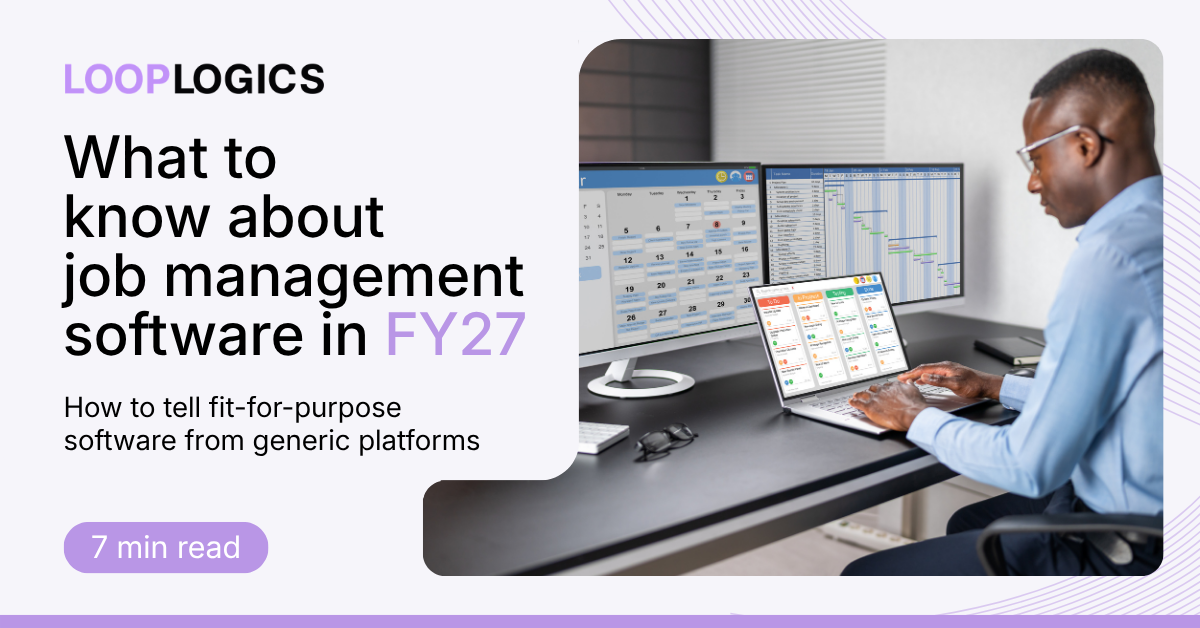
If you run an insurance repair or restoration building business using spreadsheets or disconnected systems, it's time to look at job management software properly. Maybe you've been using one for years but the team is getting frustrated by its limitations. What counts as "job management software" now covers everything from a $20-a-month trade scheduling app to enterprise construction platforms built for skyscrapers, and most of what shows up in Google searches wasn't built with the insurance workflow as even a twinkle in their eye.
So what should you be looking for when considering a new platform for your business, to really make sure it's going to grow with you for years to come?
That gap matters more in FY27 than it did a few years ago. Insurers are pushing more of the claims and reporting burden onto builders, compliance expectations keep rising, and the software market has responded with a flood of "all-in-one" platforms that promise to do everything for everyone. For a builder juggling make-safes, scope variations, and insurer sign-offs, that promise is worth a close look before you buy it.
What is job management software, exactly?
Job management software is a platform that runs a construction or trade business end-to-end, from the first quote or scope through scheduling, site work, documentation, quoting, and final sign-off, in one connected system. rather than in separate tools that don't talk to each other. If it's the real deal, it replaces the manual re-entry of information between email, spreadsheets, accounting software, and whatever the crew is using in the field.
That's the theory. In practice, "job management software" is now a category label stretched across wildly different products, and the differences show up fastest for builders working insurance and restoration jobs, where the job itself is more complicated than a standard trade callout.
The generalist trap
You know what they say about a jack of all trades. Most job management platforms were designed around a generic trade job: quote, schedule, invoice, done. That works fine for a plumber or an electrician. It falls apart the moment a job involves an insurer.
Insurance and restoration work carries requirements a generalist platform simply wasn't built to handle: scope and cost variations that need a paper trail, RFIs that have to be tracked and answered on time, progress claims that need to match what the insurer authorised, and make-safe or emergency response work that starts before the paperwork even exists. Loop Logics' Project Delivery feature set exists specifically because these workflows (RFIs, variations, progress claims, budget control) need to be native to the platform, not bolted on as a workaround.
Restoration adds another layer again: water, fire, and storm damage jobs move fast, often start with a make-safe before any scope is agreed, and increasingly plug directly into insurer systems. If your business does this kind of work, it's worth checking whether a platform was actually built for restoration builders, or whether restoration is a feature added after the fact to a generic construction tool.
The tell is usually in the workflow, not just the feature list. Plenty of generalist platforms can technically produce an RFI or log a variation. Few can carry that documentation through to an insurer-ready progress claim without a builder stitching it together manually — which is the exact problem insurance jobs software is meant to solve.
Why so much "leading" software is built for the wrong market
Here's the part that doesn't get talked about enough: a large share of the job management and construction software marketed to Australian and New Zealand builders in 2026 is American-built, American-supported, and designed around the US insurance and construction market first.
That's not a knock on the products themselves; some are genuinely well built for the market they were designed for. But "well built for the US market" can cause real friction here:
1. Pricing and contracts are usually in USD, with exchange-rate exposure baked into your renewal.
2. Support runs on US hours, which means a Sydney or Auckland site issue at 2pm is a tomorrow problem in technical support.
3. Insurer integrations are built for US carriers, not the Australian and New Zealand insurer ecosystem. So integrations with platforms like ENData or Crunchwork, which a lot of local restoration builders already rely on, are either missing or an afterthought.
4. Compliance and data residency assumptions are American, which matters more every year as ANZ businesses are asked by insurers and clients where their data is hosted.
These are easy considerations to forget about in a demo. The risk materialises eighteen months later, when a crisis arises and the support team you're waiting on is asleep. For insurance and restoration builders specifically (where the whole point of the software is to keep pace with insurer requirements!) a platform that wasn't built around your insurers is starting from behind.
What fit-for-purpose actually looks like in 2026
If you're in the process of evaluating job management software, the checklist worth working from isn't "does it have a feature for X." It's "was this built around how insurance and restoration jobs actually run." In practice, that means looking for a platform that covers:
1. Pre-construction and estimating that connects a live pricebook and reusable scope templates straight through to a job — not a quoting tool that lives separately from the job itself.
2. Field operations that sync site capture and scheduling back to a central record in real time, so the office isn't waiting on a phone call to know what happened on site.
3. RFIs, variations, and progress claims handled natively, with a documentation trail that holds up when an insurer asks questions. 2 way integration of documentation and communication that keeps all stakeholders up to date.
4. Health and safety compliance that's built into the job workflow rather than a separate checklist system.
5. Financials and reporting that reconcile against the job as it's actually progressing, not a static budget set at quote stage.
6. Local hosting, local compliance, and local support (e.g. certifications like ISO 27001, which is worth asking any vendor about directly rather than assuming.
If a platform is missing more than one or two of these natively, it's a generalist tool with insurance features bolted on, not a fit-for-purpose one.
Proof in the field
The clearest way to test any of this is to look at what happens to builders who've already made the switch. Tallan Group, an insurance panel builder, grew revenue by roughly 50% without growing headcount after moving onto a platform built around insurance workflows rather than a generic one. Lomcon scaled make-safes, inspections, and reporting volume without the process breaking down, and Greenrock Building has used the same approach to keep control as job complexity increases. None of that is about the software having more features on a comparison chart. It's about the software matching how the work actually happens. You can read more builder experiences on our client testimonials page.
The bottom line for 2026
Job management software has never been more capable, but the landscape has never been more crowded with options that look similar on the surface. For insurance builders and restoration builders, the platform that will make the biggest difference in your business isn't the one with the longest feature list; it's the one built around how your jobs, your insurers, and your compliance obligations actually work, supported by people in your own time zone.
If you'd like to see how a fit-for-purpose, Australian-built platform handles insurance and restoration workflows specifically, get in touch with our team for a walkthrough.
Frequently asked questions
What's the difference between job management software and generalist project management software?
Job management software is built to run the full lifecycle of a job — quoting, scheduling, site work, documentation, and financials — inside one connected system. Generalist project management software is usually built for tracking tasks and timelines across any type of project, without the industry-specific workflows (like insurer claims or scope variations) that insurance and restoration builders need natively.
Do restoration builders really need different software from other builders?
Usually, yes. Restoration jobs typically start with emergency make-safe work before scope is agreed, move faster than standard construction jobs, and increasingly connect directly to insurer systems. Software built for general trades or standard construction rarely handles that sequence well out of the box.
Is Australian-built job management software actually better than American platforms for ANZ builders?
It depends on the vendor, but locally built platforms tend to align more closely with ANZ insurer integrations, data residency expectations, support hours, and compliance requirements — all of which matter more for insurance and restoration work than for a standard trade job.
What should I look for in a demo before signing a contract?
Ask to see RFIs, variations, and progress claims handled inside the platform, not described in a slide. Ask which local insurer systems it integrates with. Ask where support is based and what hours it runs. And ask directly about data hosting location and certifications like ISO 27001.

Comments